Routing Engine
Self-routing connectors
Connectors automatically navigate between shapes with clean orthogonal paths, adjusting smoothly as endpoints move across the canvas without overlapping intermediate nodes.
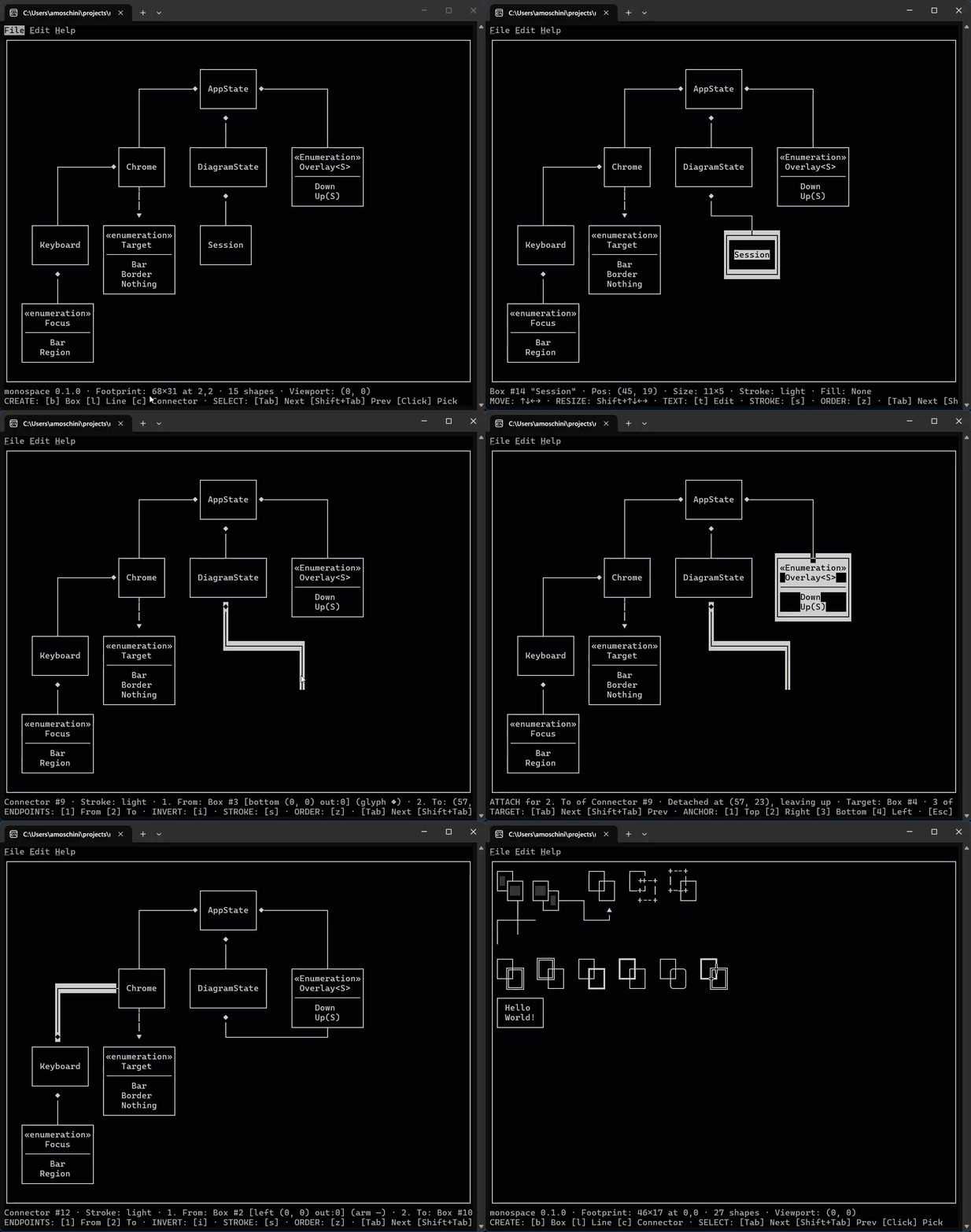
ASCII diagramming, built one honest commit at a time.
A set of applications and libraries for creating plain-text boxes, self-routing connectors, and architecture sketches rendered in honest monospaced characters.
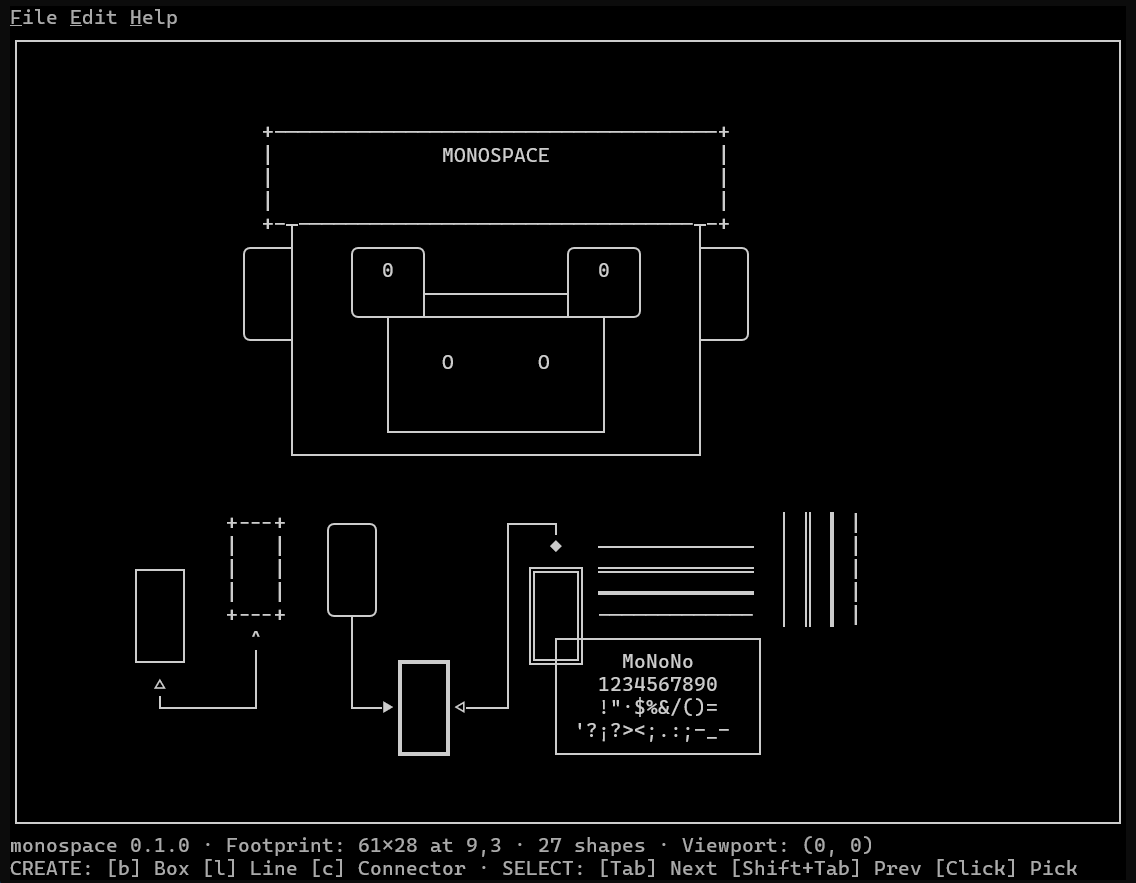
Diagrams belong where engineers read and write: alongside code, commit messages, and design discussions.
Monospace is a toolkit and suite of applications written in Rust for designing diagrams rendered entirely in monospaced ASCII and Unicode box-drawing characters. It includes a portable core engine, a lightning-fast command-line interface, and an interactive terminal editor.
Binary image assets and proprietary canvas formats do not blend well with version
control. ASCII diagrams live in plain text: diff them cleanly with
git diff, embed them in Markdown fences, paste them into pull request
summaries, or read them directly in terminal logs without specialized viewers.
Shapes compose naturally at shared cells: intersecting lines form true junctions, adjacent boxes cleanly share borders, and connectors calculate their own routes.
This project is an intentional exercise in Spec-Driven Development and principled Rust architecture. Every feature starts with a concrete issue and an agreed specification before code is written. Domain logic is strictly isolated from terminal handling, cross-compiling seamlessly to WebAssembly.
Direct manipulation with terminal precision. Experience fluid connectors, inline editing, and complete command history.
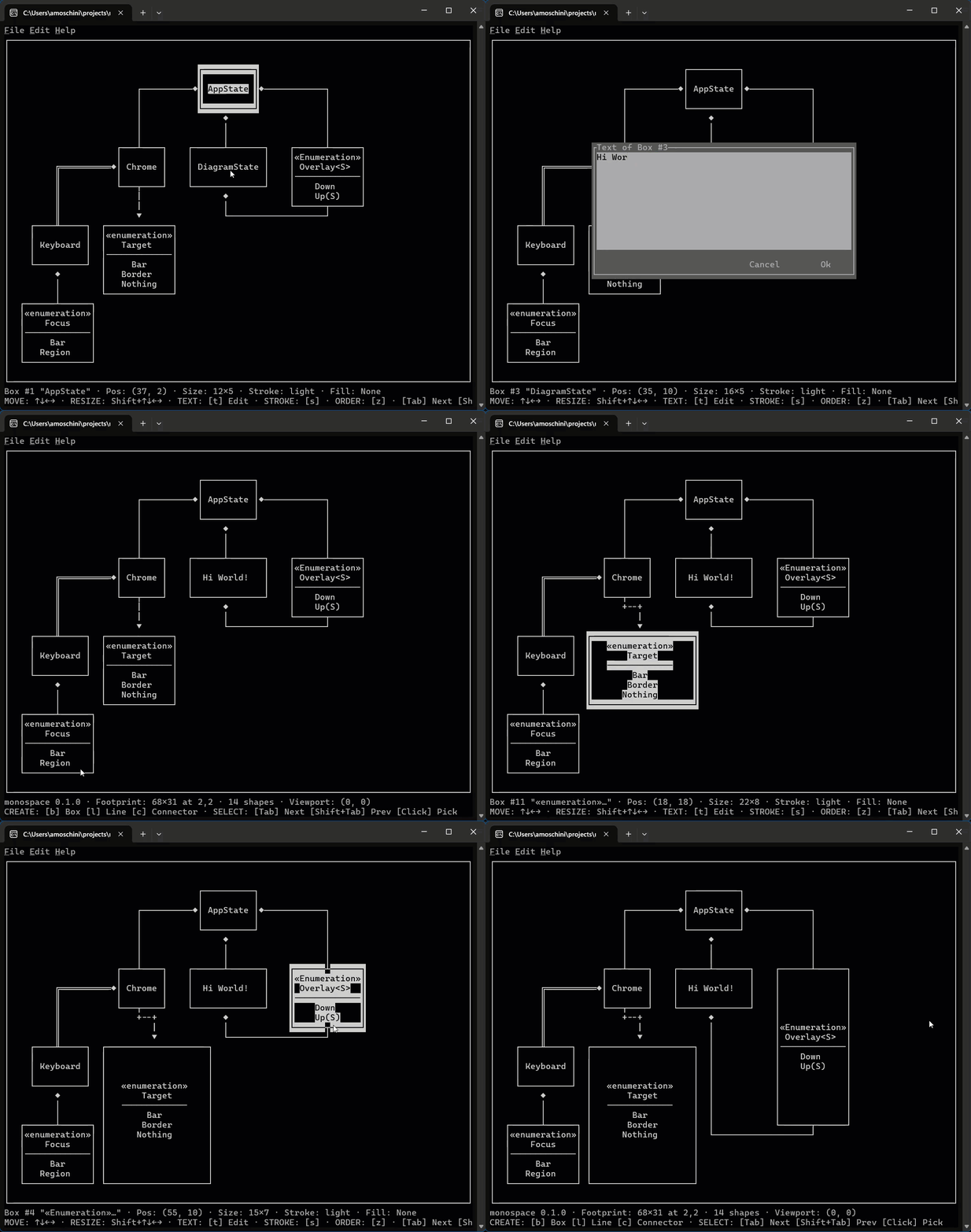
Connectors automatically navigate between shapes with clean orthogonal paths, adjusting smoothly as endpoints move across the canvas without overlapping intermediate nodes.
Click to select, edit labels directly in place, and resize boxes or lines with immediate visual feedback while all stroke junctions recalculate live.
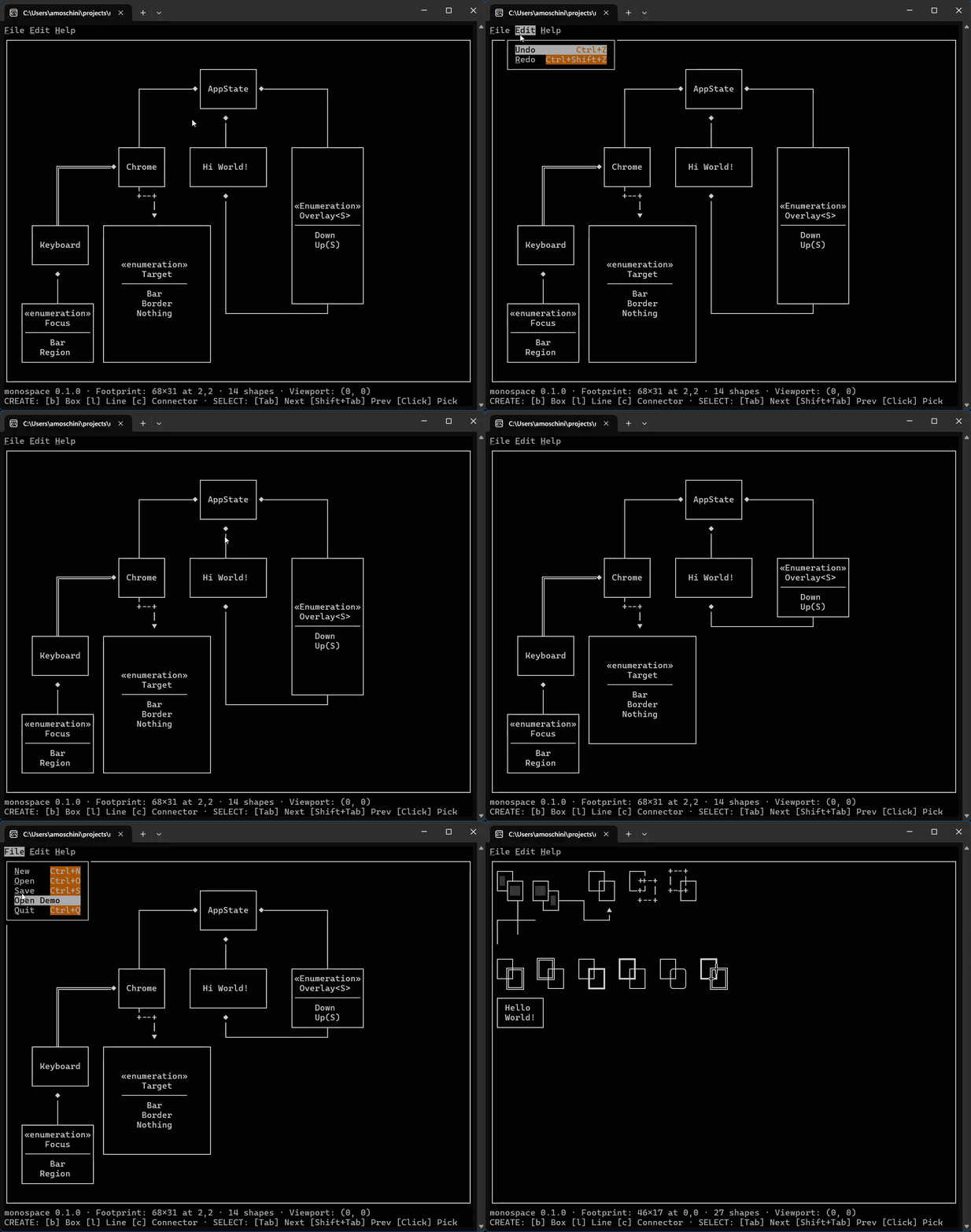
Every mutation is recorded as an atomic reversible step. Navigate menus with mouse or keyboard shortcuts, and undo or redo changes fearlessly.
From technical architecture blueprints to sequence flows and annotated notes. Click any image to view in full resolution.
Light, heavy, and double border glyph tables composing seamlessly at junctions and corners.
Interactive terminal interface with menu navigation, keyboard traversal, and canvas inspection.
Component layouts with descriptive annotations, custom fill patterns, and connected lifelines.
Lifelines and directional messages with focused shape selection and status reporting.
Download pre-built binary packages for your operating system, or install directly from source via Cargo. Every archive has a SHA-256 checksum on the release page.
cargo install monospace